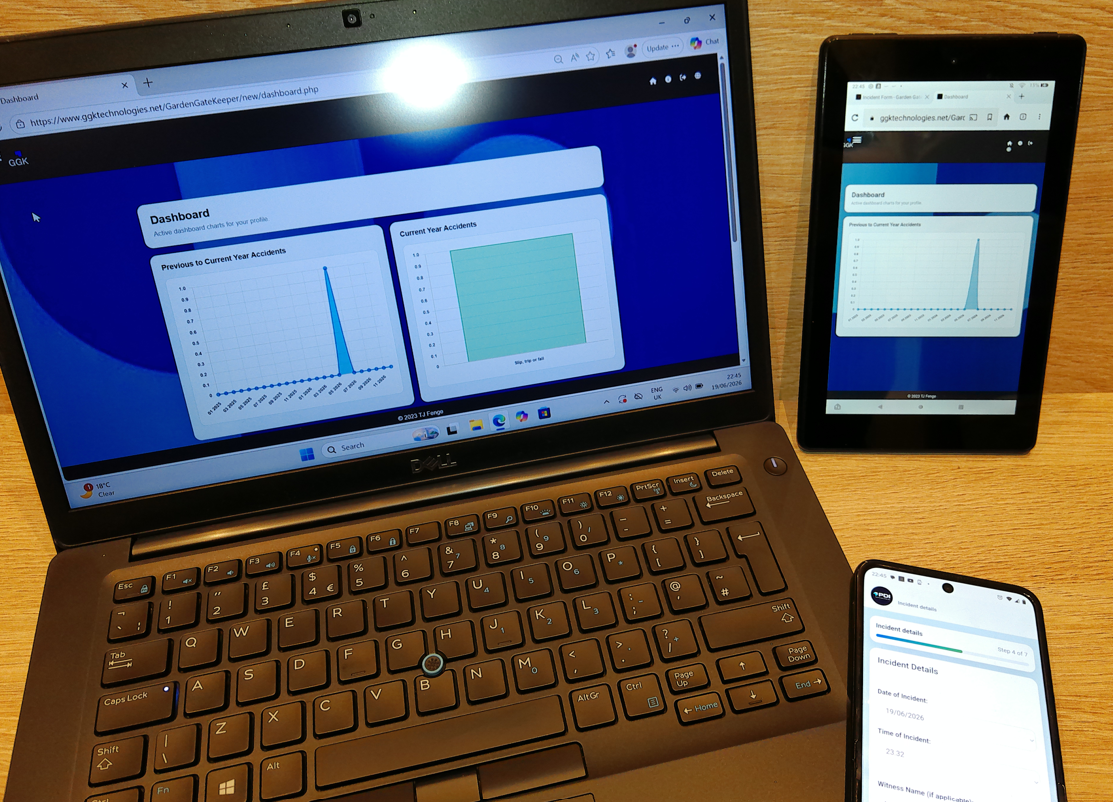
Multi-device
Desktop, tablet, and phone compatibility
GGK is designed for practical use across different screen sizes, supporting office users, managers, and mobile incident capture.
GGK (Garden Gate Keeper) - Incident Reporting helps organisations capture incidents, manage follow-up, track progress, and review safety activity through practical desktop and mobile tools.
These screenshots show key areas of GGK (Garden Gate Keeper) - Incident Reporting, including dashboard analytics, incident capture, tracker visibility, lone worker support, multilingual support, and compatibility across desktop, tablet, and phone screens.
GGK is designed for practical use across different screen sizes, supporting office users, managers, and mobile incident capture.
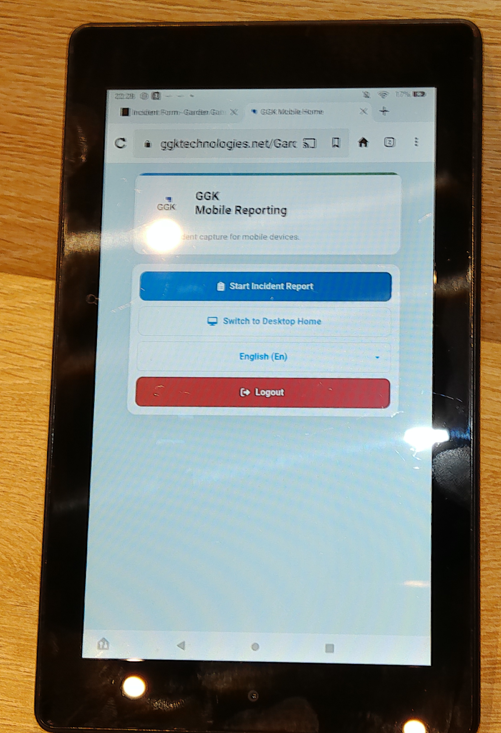
The mobile reporting entry point keeps core actions clear for users who need to start an incident report quickly.
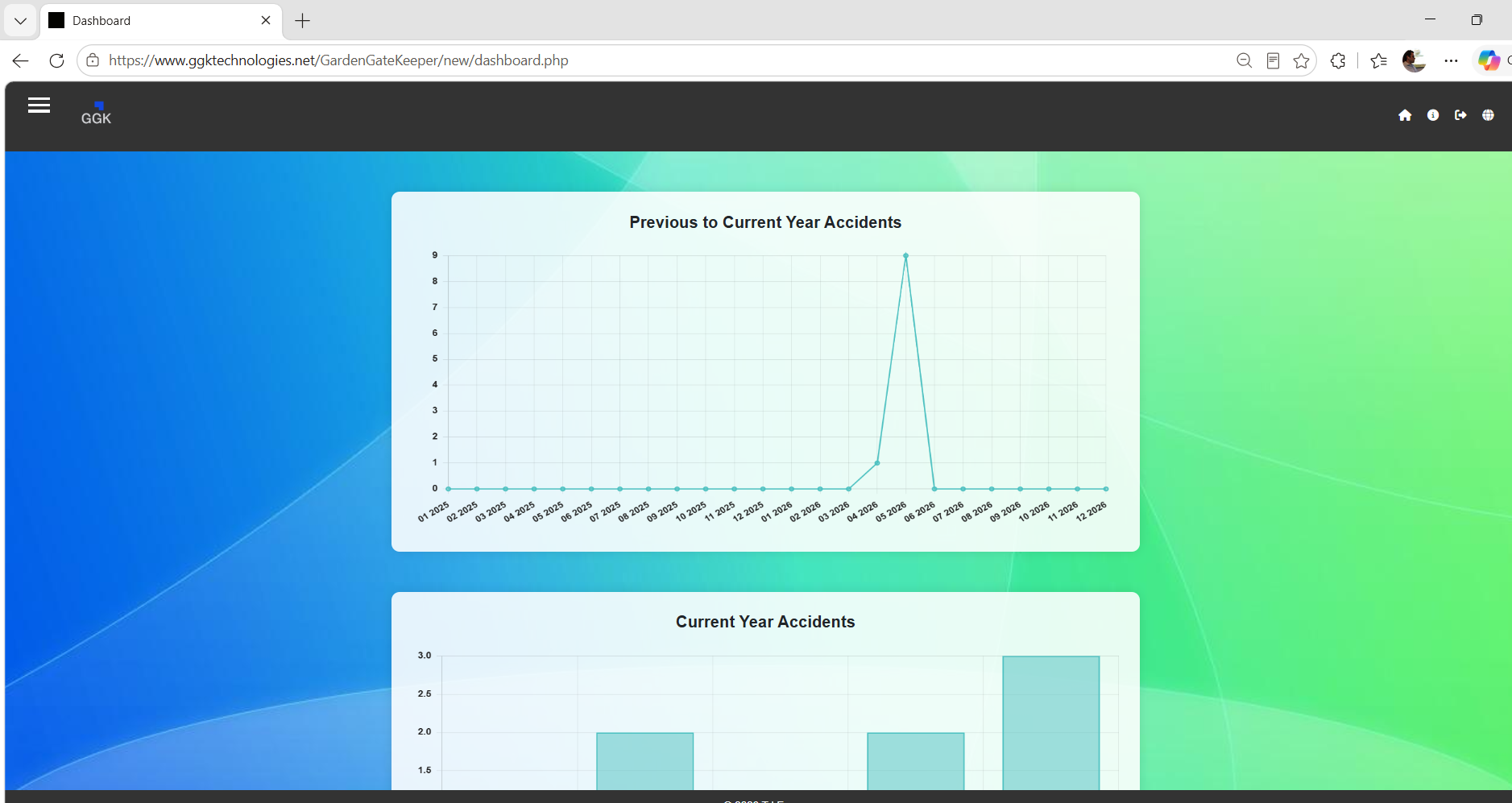
View key incident metrics, open items, progress indicators, and management visibility from a simple dashboard.
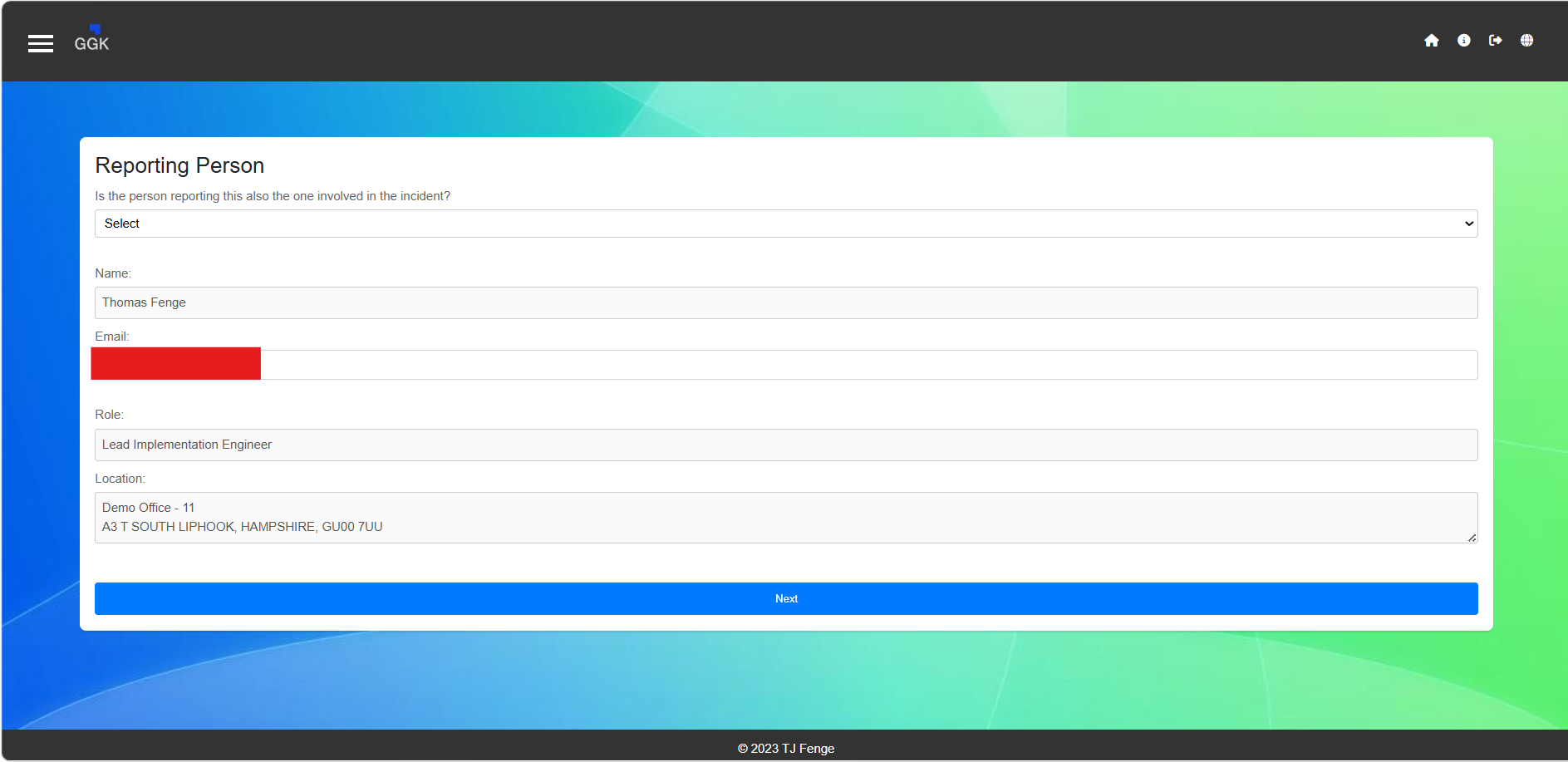
Capture incident details through a structured reporting flow designed for practical desktop and mobile use.
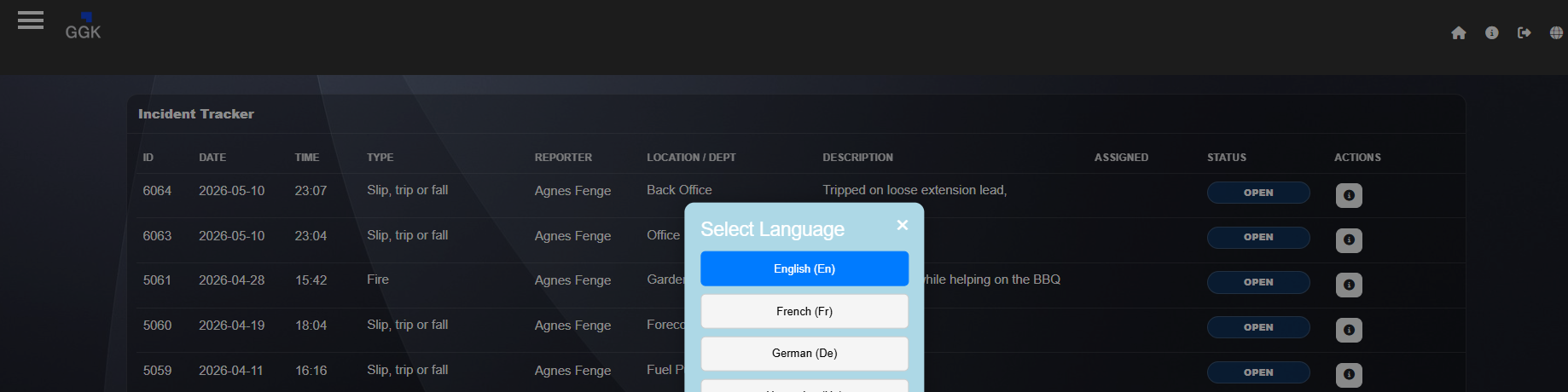
Review submitted incidents, monitor progress, and support multilingual teams with flexible language options.
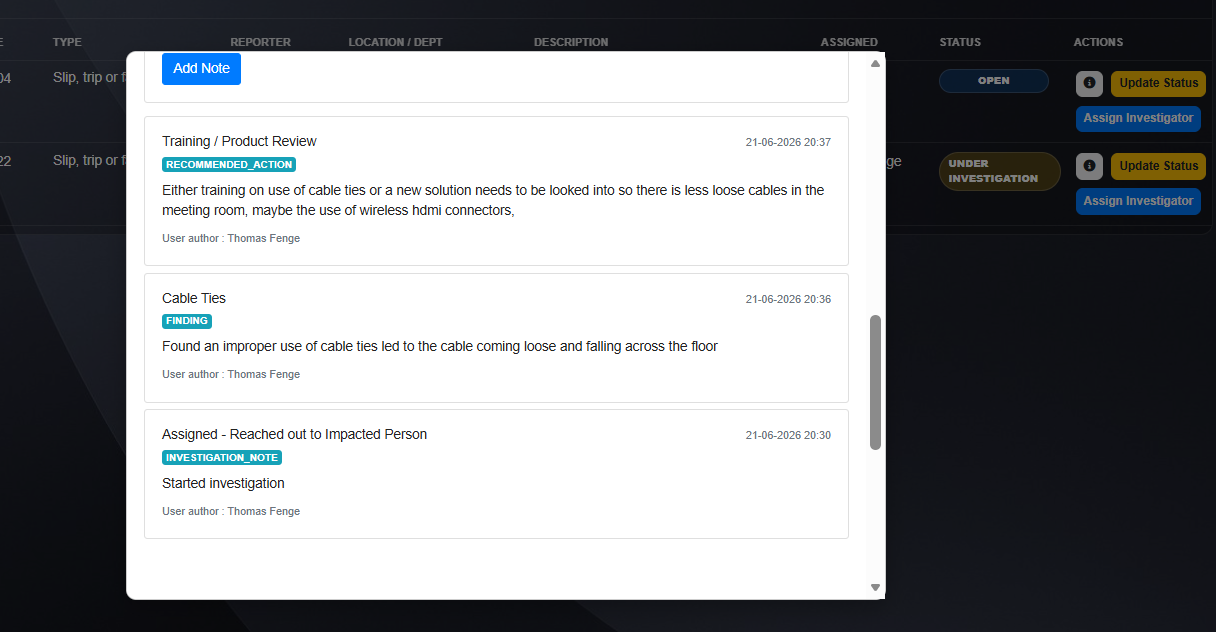
Track investigation notes, assigned status, ownership, and follow-up progress. These details can also be downloaded through Excel reports for additional analysis.

Filter the tracker page by visible fields such as ID, date, type, reporter, location, description, assigned person, and status to quickly narrow the incident list.
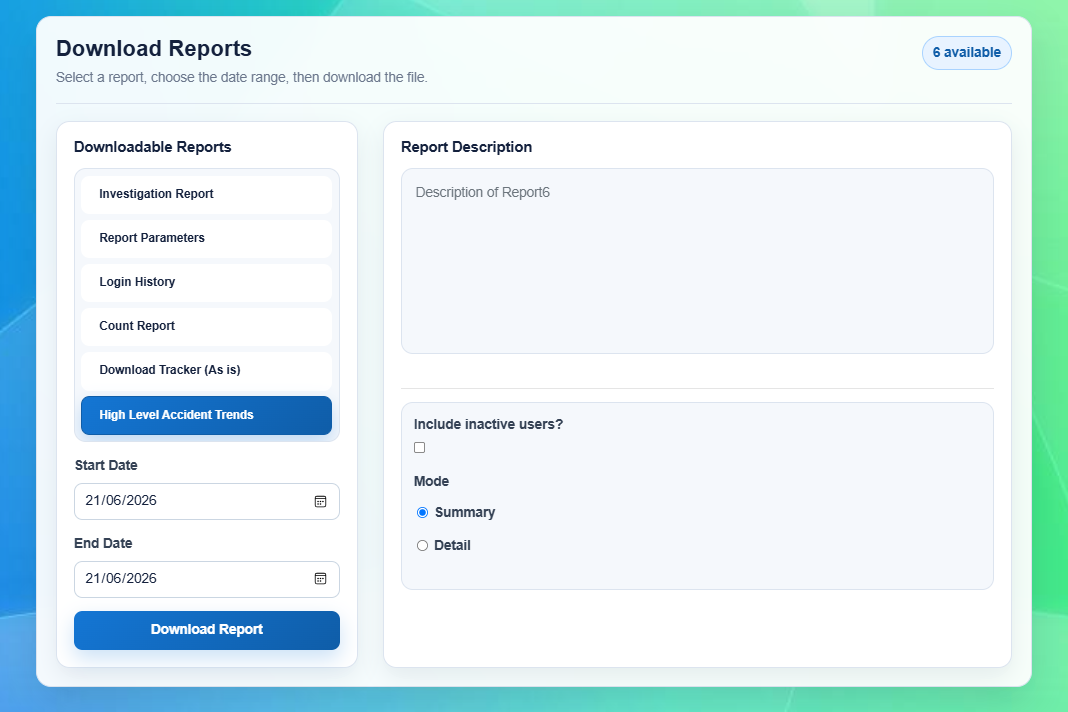
Each user can have a different set of reports assigned where needed, or share a standard report set. Reports can include custom controls, and each Excel template can include custom formatting and formulas if required.
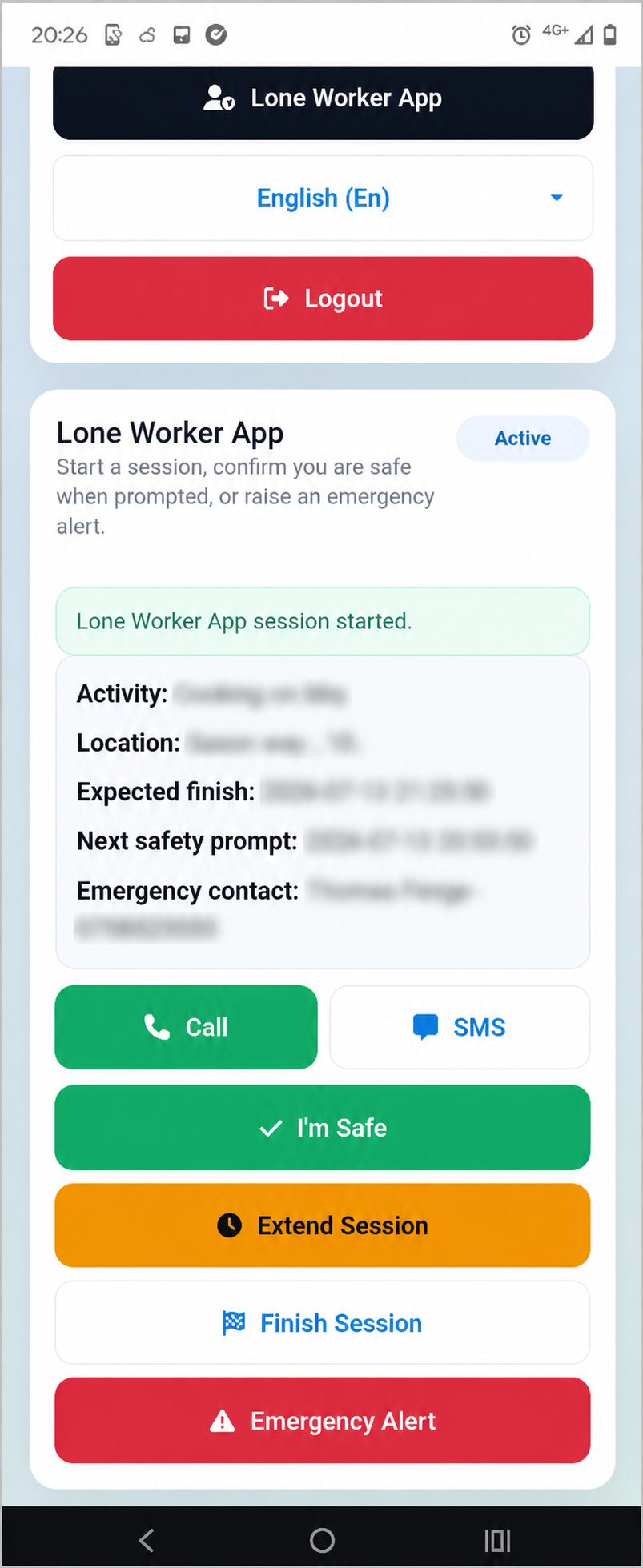
Start a lone worker session, confirm safety when prompted, extend a session, contact support, or raise an emergency alert from a mobile-friendly screen.
GGK is designed around simple reporting, controlled access, practical follow-up, and clear operational oversight.
If GGK looks suitable for your organisation, request information or a short product discussion.